How Ordering Works
Prime Market uses a straightforward three-stage order flow. Once you place an order, funds leave your wallet and enter escrow immediately. The vendor sees the order as Pending and either accepts it (moving to Accepted) or marks it shipped. You finalize once you've received and confirmed your order — that's when the vendor actually gets paid.
Auto-Finalize (AF) is a timer that runs in the background. If you don't manually finalize within the window, AF does it for you. It's not optional — it's a platform-wide mechanism to prevent buyers from sitting on unfinalized orders indefinitely. The AF timer can be extended in dispute situations, which is one of the possible moderator outcomes.
| Order Status | Meaning | Action Required |
|---|---|---|
| Pending | Order placed, escrow funded | Vendor accepts or rejects |
| Accepted | Vendor confirmed, preparing shipment | Wait for dispatch update |
| Shipped | Vendor marked as dispatched | Await delivery, then finalize |
| Finalized | Funds released to vendor | None — transaction complete |
Listing Types and Search Filters
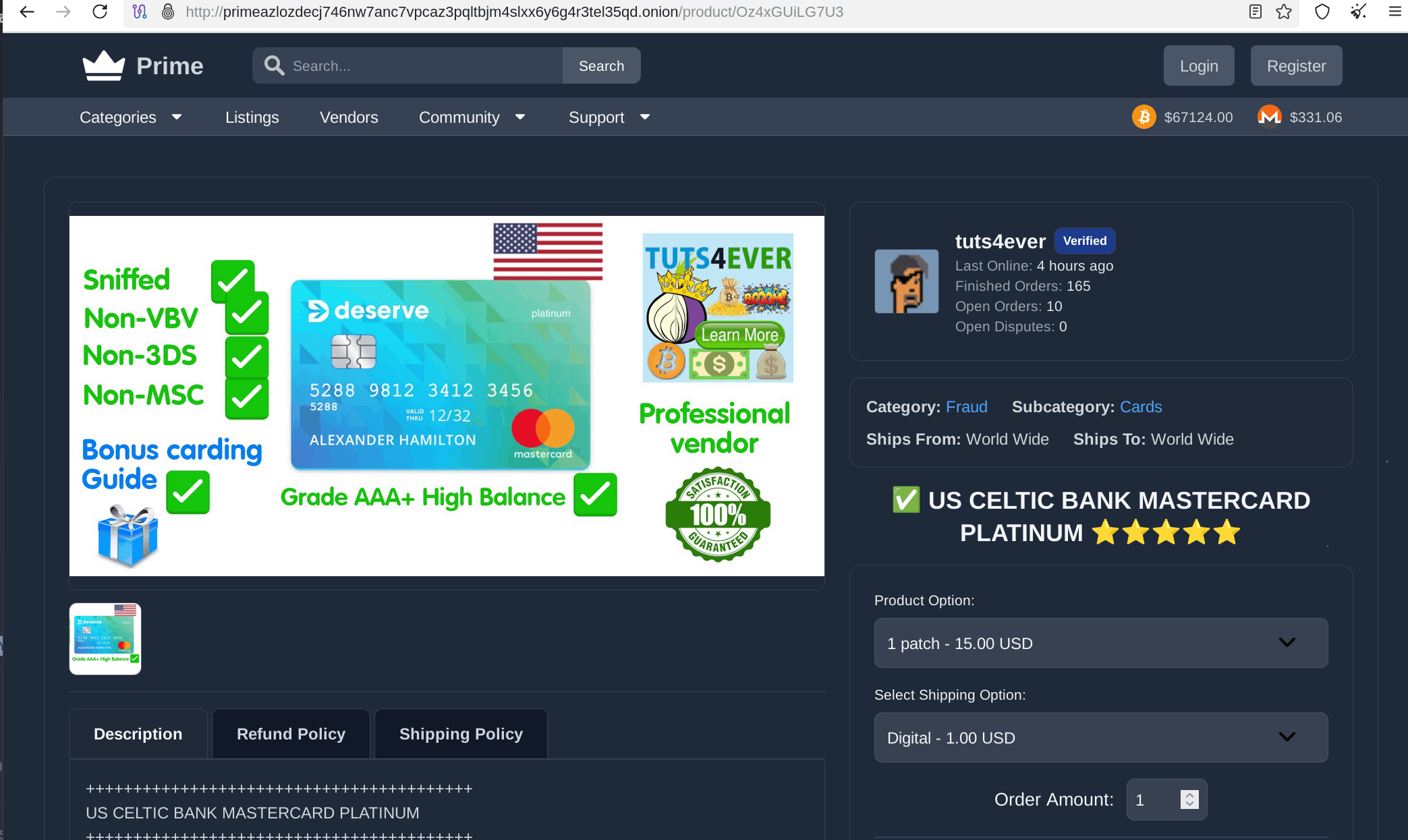
Vendors create listings in one of two formats. Simple listings have a fixed price and a single shipping/quantity option — good for straightforward single-product pages. Advanced (Bulk) listings support variable quantities and tiered pricing, which is what you'd expect for vendors who operate at volume.
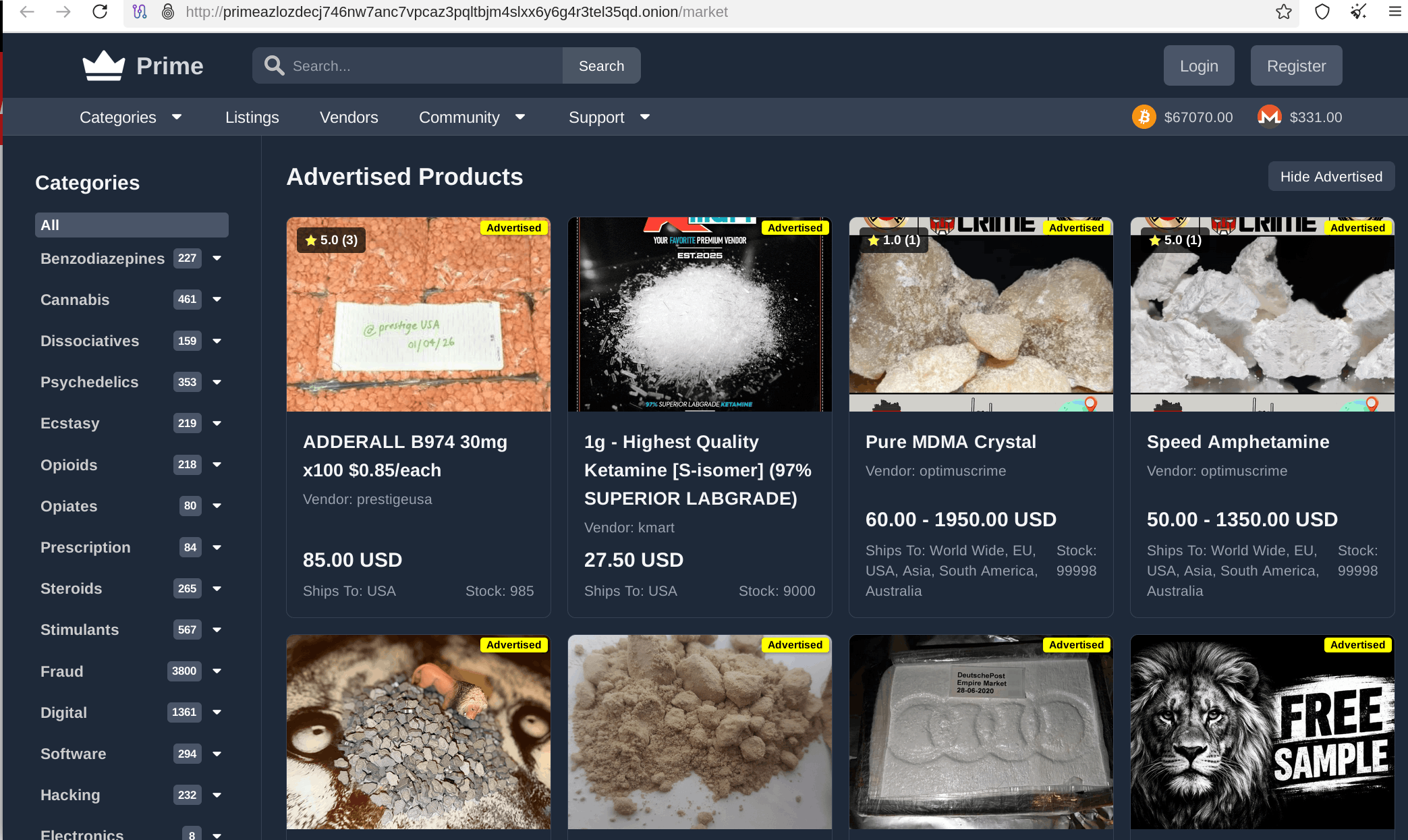
On the buyer side, search filtering is actually useful here. You can filter by category and attributes, by specific vendor, by shipping origin and destination, and there are two hide-options: Hide Vacation (filters out vendors who are temporarily offline) and Hide FE (excludes Finalize Early listings if you want standard escrow only).
Available Listing Features
- Finalize Early (FE) — Buyer releases escrow on confirmation of shipment, before delivery. Only available to approved FE vendors.
- Auto-Finalize (AF) — Platform-side timer; order auto-finalizes after a set period if buyer doesn't act.
- Fent-Free flag — Vendor claims listing is fentanyl-free. Photo evidence is required for this designation.
Dispute Resolution
Disputes open a three-party chat: vendor, buyer, and a Prime Market moderator. This isn't a ticket system — it's a live conversation that all three parties participate in. The moderator reviews the situation and can issue one of three outcomes.
| Outcome | What Happens |
|---|---|
| Refunded | Escrow returned to buyer; transaction voided |
| Unfrozen | Funds released to vendor; dispute resolved in vendor's favor |
| AF Timer Extended | Auto-finalize clock reset to give more time for resolution |
Disputes can be opened for non-delivery, receiving the wrong item, partial orders, or fentanyl presence (where a Fent-Free listing is involved). The three-way structure means neither party can act unilaterally — the moderator has final say, and that keeps the process reasonably fair.
Vendor Account Types
Getting a vendor account requires a non-refundable bond for new applicants. Established vendors with verifiable reputation can apply without a bond. The FE tier has a significantly higher entry cost — $5,000 for new applicants — because FE listings carry more risk for buyers and the market wants to screen for trustworthy operators.
| Account Type | Bond | Requirement | Finalize Early? |
|---|---|---|---|
| New Vendor | $250 USD | Bond payment only | No |
| Established Vendor | Free | Reputation verification | No |
| New FE Vendor | $5,000 USD | Bond payment only | Yes |
| Experienced FE Vendor | Free | 1,000+ sales, multiple markets | Yes |
Vendor Tools
Active vendors get access to PrimeBot via Jabber (available from level 2 up), Vacation Mode to pause listings during downtime, and Bulk Listing functionality for managing large catalogs efficiently.
Market Links
Always verify you're on the correct address before logging in. The canonical onion URL for Prime Market is:
Clearnet mirror: https://primemarket.link