Step 1 — Get Tor Browser
Prime Market only operates on the Tor network. There's no clearnet version of the actual market interface — only this informational site exists on the regular web. To access the market itself, you need Tor Browser.
Download it directly from torproject.org. Don't download from third-party sites or mirrors you found through a search engine — only the official Tor Project site. Verify the signature if you want to be sure you have an unmodified copy.

Step 2 — Navigate to the Onion URL
Once Tor Browser is running, paste the address below directly into the URL bar. Don't use a search engine to find it — onion addresses don't appear in regular search results, and anything that does show up is likely a phishing site.
Connection can take 10–30 seconds on first load — that's normal. The Tor circuit needs to establish before the page loads.
Step 3 — Create Your Account
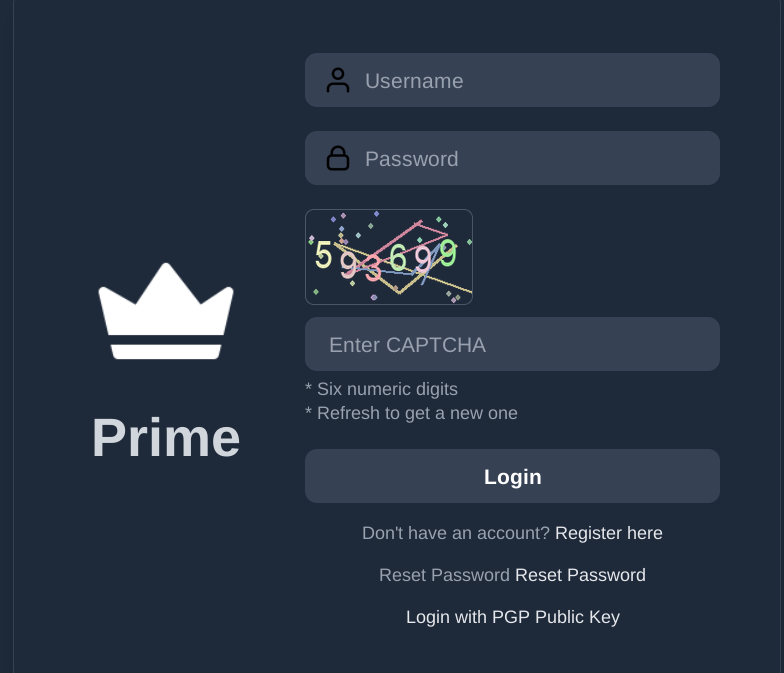
Registration requires three things: a username, a password, and a CAPTCHA. Keep it simple but not guessable — no personal information in the username, and a password you generate rather than one you remember from somewhere else.
| Field | Required? | Notes |
|---|---|---|
| Username | Yes | Permanent, choose carefully |
| Password | Yes | Use a strong random passphrase |
| CAPTCHA | Yes | Standard image CAPTCHA |
| Account Secret | Optional | Strongly recommended — extra login layer |
| Mnemonic Key | Provided on creation | Save this offline immediately |
| PGP Key | Required for vendors | Recommended for all buyers too |
Step 4 — Mnemonic Key and Account Recovery
Right after you create your account, you'll be shown a mnemonic key. This is the only way to recover your account if you lose access. Write it down on paper and store it somewhere physically secure — not on the same device, not in a cloud service, nowhere online.
There is no "forgot password" email. The mnemonic key is it. Lose it and losing your account is permanent, along with any balance sitting in your wallet.
Step 5 — PGP Setup
PGP encryption is required for vendor accounts and recommended for buyers. It lets vendors encrypt order addresses and shipping info to your key, so only you can read that data. Without a PGP key uploaded to your profile, some vendors won't accept your orders.
Generate a keypair with your preferred PGP tool, then copy your public key block into your profile settings. Keep your private key offline or on a separate encrypted device.
Wallet: Making Your First Deposit
Once logged in, go to your wallet and generate a deposit address. The address is valid for six hours — if you don't send within that window, generate a new one. Don't reuse old addresses.
| Currency | Confirmations Needed | Credit Time | Address Validity |
|---|---|---|---|
| Bitcoin (BTC) | 1 confirmation | Within 20 minutes | 6 hours |
| Monero (XMR) | 2 confirmations | Within 20 minutes | 6 hours |
Market Links
The verified onion URL for Prime Market:
Clearnet informational site: https://primemarket.link